Screenshoter Mail.Ru
January 2017 - October 2017
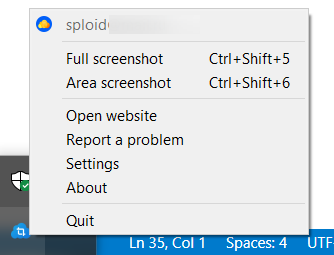
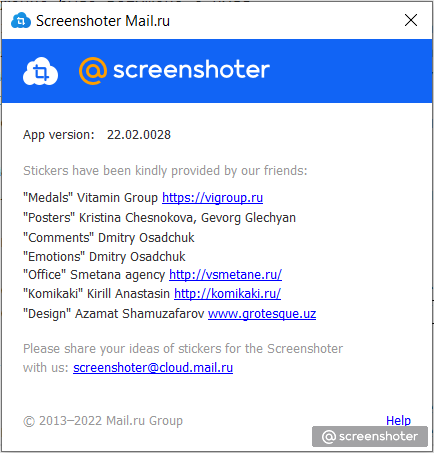
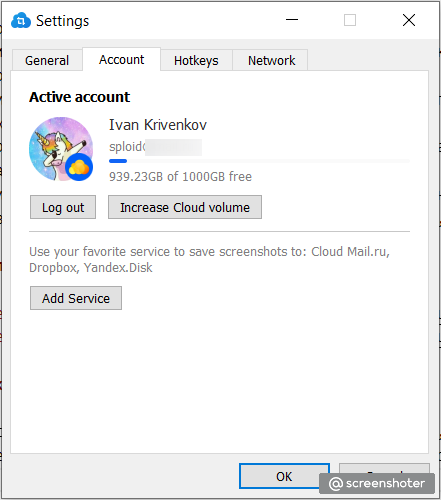
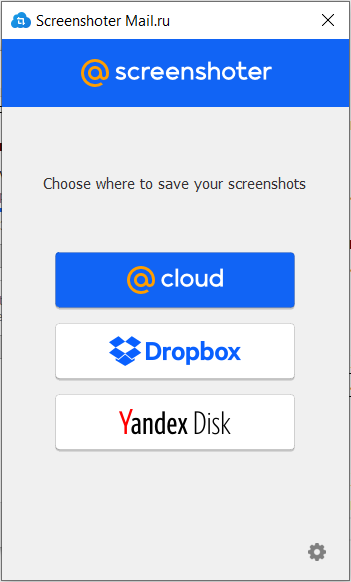
In this article, I would like to tell you about the Screenshoter application from Mail.Ru (VK.com), the development of which I led as a team leader. This application allows you to take a screenshot, edit it and upload it to various cloud services (Cloud Mail.Ru, Yandex.Disk, Dropbox). Windows and macOS platforms are supported. This application has become the main application for creating screenshots at Mail.Ru and is installed on all new employees. I still use this application to this day.
Main features of the application
- Screenshots can be uploaded to several cloud services (Cloud Mail.Ru, Yandex.Disk, Dropbox).
- Screenshot editing.
- Creating a link to a screenshot in the Cloud Mail.Ru service before uploading the file body.
- Screenshot editing both on the entire screen and in a separate window.
Tasks
- The application was launched from scratch.
- Installers for Windows and macOS were implemented, as well as automatic application updates.
- For several months, I acted as a project manager and interacted with the backend, designers, DevOps, and support teams.
- I was engaged in solving problems from users, acting as the second line of support. I was also engaged in training first-line support specialists.
- I set up monitoring of the application’s performance based on Grafana. The backend for Grafana was Graphite with a custom metrics passing system.
- I was engaged in interviews and onboarding of new employees.
- I managed a team of up to three people. I formalized tasks, distributed them within the team, and monitored their implementation.
Links
Stack
С++, Qt, STL, Visual Studio 2019, Visual Studio Code, Clang, macOS, Windows, Git, InnoSetup, Graphite, Grafana, pixel-perfect components, Figma, network programming, multithreaded programming, Dropbox, OAuth.
Screenshots